
box API for SCAD
- 11 views
This model is hosted on Cults3D. Files, images and license details belong to the original creator.
View on Cults3D ↗Description
Introduction This thing is just a SCAD script that provide an API to manipulate parts of a models by placing them relative to each other. When writing SCAD models i found out that the result scripts are not readable. Even when i read them myself many days later i don't understand what i wrote and why i wrote them this way. The main reason is that i use a lot of constant values computed or measured on parts in real life and even with comments in code this is hard to read. Furthermore when i want to make modifications i don't know where to apply them in code. This API simplify all my designs by allowing me to place parts relatives to each other. This thing is designed using this library: http://www.thingiverse.com/thing:2005142 How it works Boxes basics Each elementary part of the model (cube, cylinder etc...) can be bounded by a box that you create using the api boxCreate(). Boxes faces are always aligned with x,y,z axis. The boxCreate api just take the size of the box on [x,y,z] before any rotation: boundingBox = boxCreate ( [1, 1, 1] ); The object returned is an array on which we can get some computed values using indexes (which are all listed at the beginning or the file box.scad). For instance these indexes returns the size elements of the box. When the box is first created these are just the values we gave: boundingBox[idx] boundingBox[idy] boundingBox[idz] The following indexes returns the position values on x,y,z of the center of the box. The center of the box is the…
About this model
box API for SCAD is a free 3D model in the Organizers & Storage category, shared by the Cults3D community. You can download it for 3D printing and reuse it in your own projects under the terms of its original license.
File formats
- STL — The most common mesh format for 3D printing — ready to slice and print on almost any printer.
The files for this model are hosted on Cults3D. Use the button above to open the original page and download it.
Similar models
 Free
Free
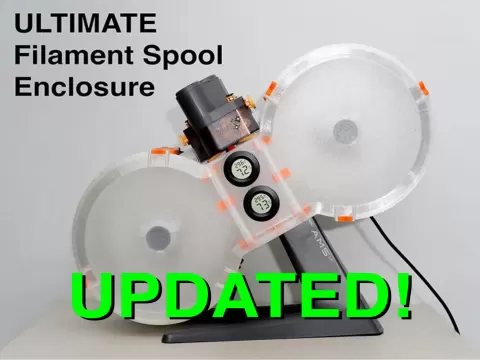
Ultimate Filament Spool Enclosure - TYPE 01
 Free
Free
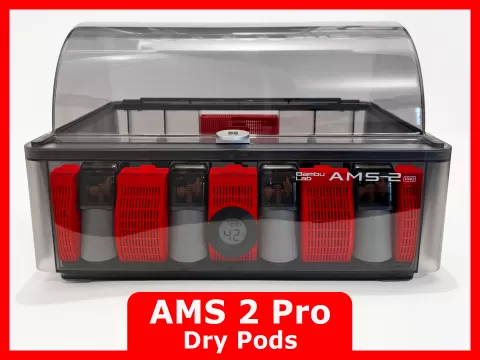
AMS 2 Pro Dry Pods - Multiple Sizes and Funnel
 Free
Free
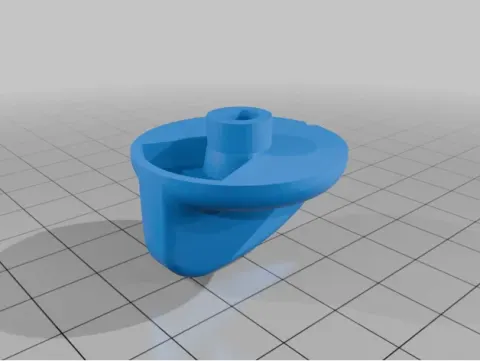
Poop Chute & Basket/Outlet for X2D/P2S/X1C/P1S
 Free
Free
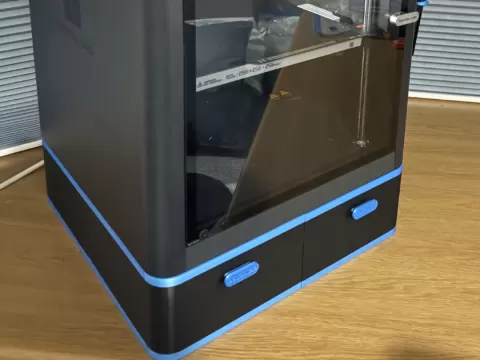
X2D X1 P2S P1S Poop Chute & Under Printer Storage
 Free
Free
Wireless Mouse 002
 Free
Free
Filament Storage 2026
 Free
Free
IKEA Skadis Tilt Drawer
 Free
Free