
4-axis robot controller
- 25 views
This model is hosted on Thingiverse. Files, images and license details belong to the original creator.
View on Thingiverse ↗Description
KB2040 4-Axis Robot Arm ControllerUSB controller for a 4-axis robot arm using an Adafruit KB2040 (RP2040). Four potentiometers for axis control plus a button for gripper/trigger — all read over a simple serial protocol.BOMPartQtyAdafruit KB2040110kΩ linear potentiometer4WWZMDiBTactile push button (momentary)1US-SKU E4293D-printed enclosure1USB-C cable1WiringKB2040Connected toA0 (GP26)Pot 1 wiperA1 (GP27)Pot 2 wiperA2 (GP28)Pot 3 wiperA3 (GP29)Pot 4 wiperPin 9 (GP9)Button (other leg → 3.3V)3.3VPot 1–4 left legGNDPot 1–4 right leg, button pull-downPotentiometer legs: left → 3.3V, right → GND, wiper (center) → analog pin.Button is active-high (press sends 3.3V to GP9). The firmware uses the RP2040's internal pulldown so no external resistor is needed.FirmwareUses the Earle Philhower RP2040 core. Target board: Adafruit KB2040.arduino-cli compile --fqbn rp2040:rp2040:adafruit_kb2040 controller/arduino-cli upload --fqbn rp2040:rp2040:adafruit_kb2040 controller/Analog resolution: 12-bit (0–4095).Serial protocol (115200 baud)Send a single character, get CSV back:CmdResponseExampleach1,ch2,ch3,ch42048,1023,3072,0bbutton (0/1)0ppress edges (0/1)1rrelease edges (0/1)0sbutton;ch1,ch2,ch3,ch40;2048,1023,3072,0Display (optional)Python tkinter GUI (display.py) shows live pot bars and button state. Requires pyserial.pip install pyserialpython display.pySTLsFileDescriptionCONTROLLER-BASE.stlEnclosure base — holds KB2040, pots, and buttonCONTROLLER-ARM1.stlPotentiometer knob — axis…
About this model
4-axis robot controller is a free 3D model in the Characters category, shared by the Thingiverse community. You can download it for 3D printing and reuse it in your own projects under the terms of its original license.
File formats
- STL — The most common mesh format for 3D printing — ready to slice and print on almost any printer.
The files for this model are hosted on Thingiverse. Use the button above to open the original page and download it.
Similar models
 Free
Free
Mecca chameleon characters
 Free
Free
Build-A-Droid: CyberBrick based robot kit
 Free
Free
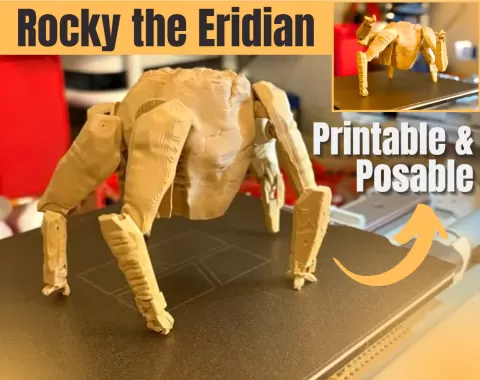
Rocky from Project Hail Mary (film version)
 Free
Free
Little Robot Hand
 Free
Free
Fortnite Aura Sprite
 Free
Free
Yuji Itadori Jujutsu Kaisen NO AMS
 Free
Free
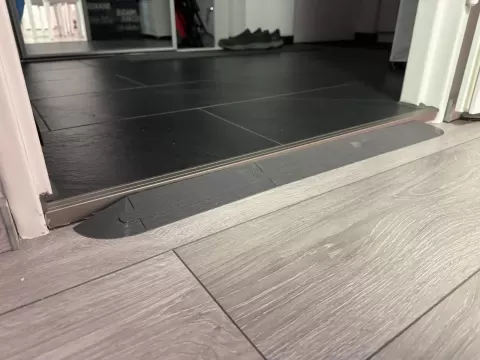
Modular Robot Vacuum Door Ramps for door thresholds
 Free
Free