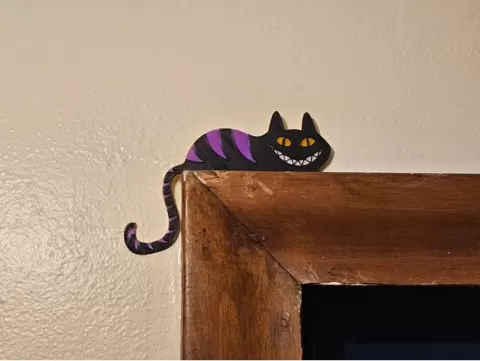
Cheshire Cat Door Stand Multicolor
- 11 閲覧
このモデルは Thingiverse で公開されています。ファイル・画像・ライセンス情報は元の作者に帰属します。
Thingiverse で見る ↗説明
I made a version of olorle's Cheshire Cat Door Stand that adds stripes and allows you to use a different color for them and the eyes/teeth.How to use:Pause your print and change the filament color after each part of the cat is finished. You can do this manually with the printer interface or set it up in your slicer (look for the "pause at layer height" option or similar). If you're doing it manually, a good indicator for where to pause is when the outline of each feature is visible. For example, when the outline of the eye appears, you should change to the color you're using for the teeth.The order is eyes -> teeth -> stripes -> main color (so for the colors in the image, I'd use yellow -> white -> purple -> black). If you want to use only two colors, you can let it print the eyes/teeth/stripes the same color and only change filament when the outline of the stripes becomes visible.For a cleaner look, you can paint the outside edges the same color as the top layer.The image is a placeholder I made in blender, I'll replace it when I'm able to print him.
About this model
Cheshire Cat Door Stand Multicolor is a 無料 3D model in the ガジェット category, shared by the Thingiverse community. You can download it for 3D printing and reuse it in your own projects under the terms of its original license.
File formats
- STL — The most common mesh format for 3D printing — ready to slice and print on almost any printer.
The files for this model are hosted on Thingiverse. Use the button above to open the original page and download it.
類似モデル
 無料
無料
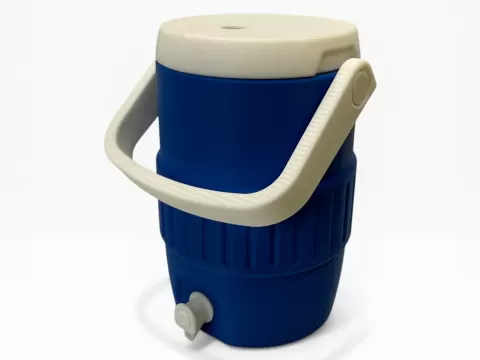
Cooler Can Holder (std 12oz can)
 無料
無料
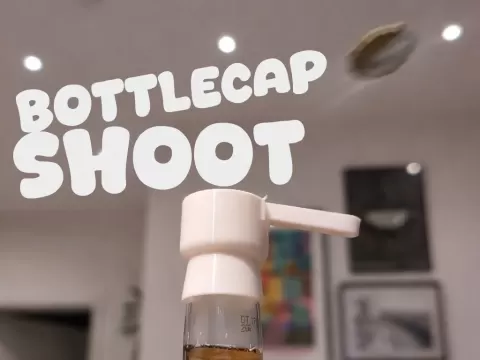
Bottlecap Shoot for Different Beer Bottles
 無料
無料
Ikea 365+ Plastic Lid Hanger / Organizer
 無料
無料
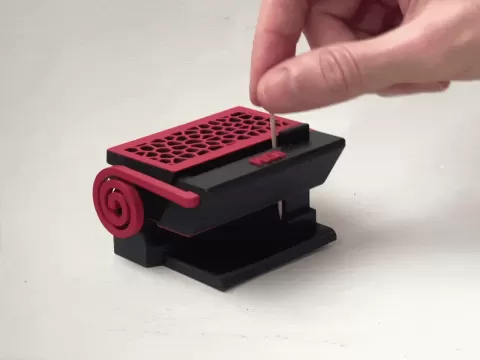
Toothpick dispenser - fully printed (v2)
 無料
無料
USB cable organizer Box tray IPhone Samsung
 無料
無料
No-Slip Bed Sheet Lock
 無料
無料
Big screwdriver holder, honeycomb pattern / Velký držák na šroubováky
 無料
無料