
Laser Cutter Alignment Tool
- 15 görüntülenme
Bu model Cults3D üzerinde barındırılıyor. Dosyalar, görseller ve lisans bilgileri tasarımcısına aittir.
Cults3D üzerinde görüntüle ↗Açıklama
Aligning the laser cutter is a process. Especially when you can't see the laser. This device is a cap for the end of the laser tube that contains a visible red laser diode that will make alignment a lot easier! Steps to use: 1. Start laser alignment as normal. Move the gantry the furthest away from the tube, place some tape on the second mirror, and fire the laser to mark the mirror. 2. Set Alignment Tool on laser tube and align the visible laser to the center of the burn mark made by the laser. 3. Replace tape and use a marker or pen to mark the red laser. 4. Finish aligning the laser mirrors easily now that you have a visual reference point. 5. Pull alignment tool off of laser and do some final test fires to verify accuracy. Parts needed to build: Laser Diodes: https://amzn.to/383qYSa AA Batteries: https://amzn.to/3oPXGfs Battery Pack with Leeds https://amzn.to/35SSNK5 Heat shrink Tubing https://amzn.to/3kOeq4z TS100 Soldering Iron: https://amzn.to/35SSPSd HatchBox PLA Filament: https://amzn.to/3oOC7vN Assembly: 1. Do a test fit on your laser tube outlet and test the fitting of the laser diode. Printers vary. You may have to enlarge or shrink the print for it to fit. You can also add some tape on the tube outlet or diode for a more firm fit. 2. Place laser diode wires through the small hole on side of the alignment tool. 3. Strip and solder the wires to the battery connector. Don't forget to add the heat shrink to the wires first! 4. Insert the batteries and test the diode…
Bu model hakkında
Laser Cutter Alignment Tool, Cults3D topluluğunda paylaşılan ücretsiz bir Aletler 3D modelidir. 3D baskı için indirebilir ve orijinal lisans koşulları çerçevesinde kendi projelerinde kullanabilirsin.
Dosya formatları
- STL — 3D baskı için en yaygın mesh formatı — neredeyse her yazıcıda dilimlenip basılmaya hazır.
Bu modelin dosyaları Cults3D üzerinde barındırılır. Orijinal sayfayı açıp indirmek için yukarıdaki düğmeyi kullan.
Benzer modeller
 Ücretsiz
Customizable Text Stamp: Clay, Soap, Leather, Ink
 Ücretsiz
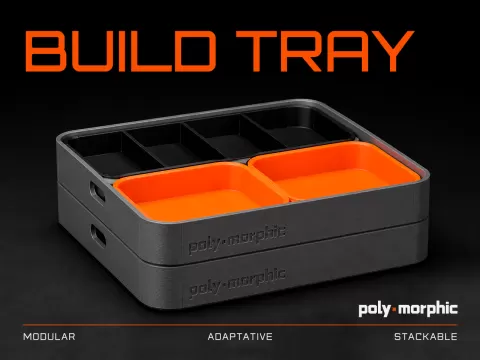
Build Tray — Modular Organizer for Assembly, Disassembly and Maintenance
 Ücretsiz
Window Stop • Eccentric Clamping • Parametric
 Ücretsiz
Build Tray - More Modules
 Ücretsiz
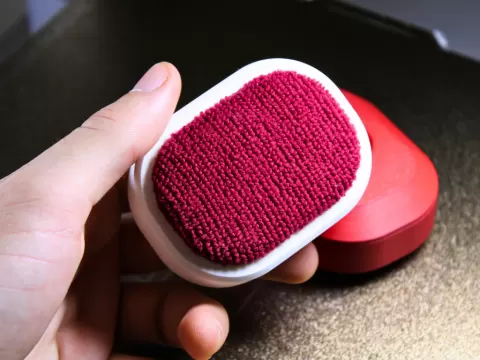
Buildplate Cleaner
 Ücretsiz
Bambu scraper handle V2
 Ücretsiz
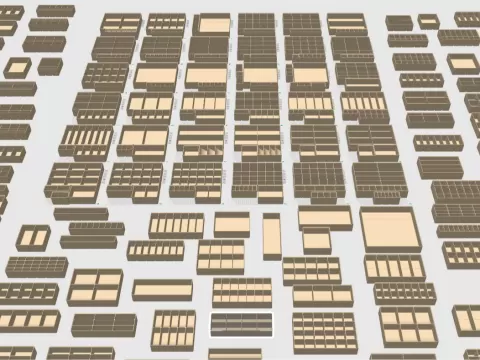
192 Piece Gridfinity Bin Set|42mm Base|49mm Height
 Ücretsiz