简介
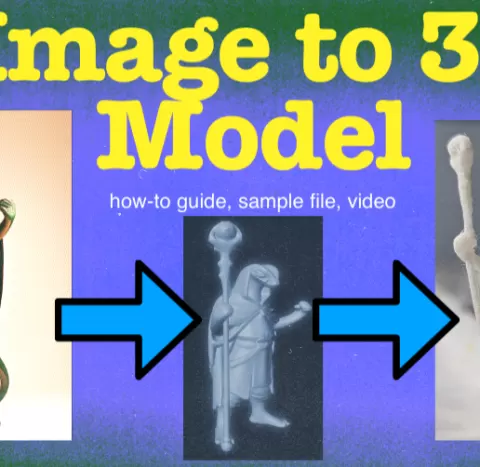
First and most important. Please be respectful! This is an amazing tool and should be used responsibly. Put in the effort to learn and play and most importantly have fun! Second, if the process is too complicated shoot me note here or on Patreon with a photo of a model you would like to see and I will try to make it for you! See a quick tutorial video here: https://www.patreon.com/posts/how-to-use-ai-to-120617822 Here is a quick step by step guide to use AI to create a 3d model. Find a suitable image (or create one from a prompt) Use a service like https://hyper3d.ai/rodin or find a suitable model on https://huggingface.co/ to run yourself Get the output obj and shaders - I use the plain shader/textures but you can get PBR (diffuse, metallic, normals, pbr, roughness textures) Open the file in blender go into edit mode and separate by loose parts to remove any artifacts that were added (sometimes little islands will appear like in the sample file!) apply a subdivision modifier (I tend to use 2-3), you could also use a multires modifier if you want to do some sculpting before the next step apply a displace modifier - I use 0.013 strength and -1 midlevel but you can play with these settings sculpt as needed (I adjust eyes, add held items or weapons and clean up artifacts, add fingers etc... etc...) - weapons should be 1.5mm or larger across so that you don't have tiny sticks that snap on FDM but resin can do some small stuff - alternatively you can add your objects AFTER the…
About this model
How to use AI to create a 3d Model is a 免费 3D model in the 其他 category, shared by the Cults3D community. You can download it for 3D printing and reuse it in your own projects under the terms of its original license.
File formats
- STL — The most common mesh format for 3D printing — ready to slice and print on almost any printer.
The files for this model are hosted on Cults3D. Use the button above to open the original page and download it.