简介
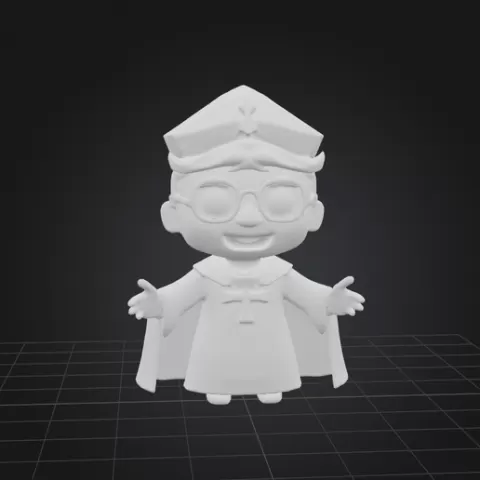
Creating a 3D model of a bishop chess piece involves careful attention to the design and structure to capture the unique look and details of the piece. Here’s a step-by-step outline of the process: Conceptualize the Bishop’s Shape: Begin by studying the basic structure of a bishop chess piece. Bishops typically have a rounded, elegant shape with a distinctive slotted head and a decorative base. Decide on the style—traditional, ornate, or modern—and how detailed you want the piece to be. Choose Modeling Software: Use software like Blender, Fusion 360, or Tinkercad, which allow for precision and smooth curves necessary for a chess piece. Start with Basic Shapes: Begin the model by creating the main body of the bishop using basic geometric shapes. Start with a cylinder or cone for the base and build upward, tapering the shape gradually to form the distinct slender body of the piece. The curves should flow smoothly to give a polished look. Design the Bishop’s Head: Sculpt the top section with the characteristic rounded dome shape and add the notch or slot at the top, which is a key feature of bishop pieces. This can be done using a “Boolean” tool to subtract a narrow slot from the top, creating the classic bishop cut. Add Fine Details: Refine the base by adding any ornamental rings or ridges near the bottom. You may also add slight curves or beveled edges to enhance the aesthetics. Make sure the details are balanced to keep the piece sturdy and printable. Ensure Printability…
About this model
Bispo is a 免费 3D model in the 其他 category, shared by the Cults3D community. You can download it for 3D printing and reuse it in your own projects under the terms of its original license.
File formats
- STL — The most common mesh format for 3D printing — ready to slice and print on almost any printer.
The files for this model are hosted on Cults3D. Use the button above to open the original page and download it.