
Carlos Moroder - cmoroder
- 13 Aufrufe
Dieses Modell wird auf Creality Cloud gehostet. Dateien, Bilder und Lizenzangaben gehören dem ursprünglichen Designer.
Auf Creality Cloud ansehen ↗Beschreibung
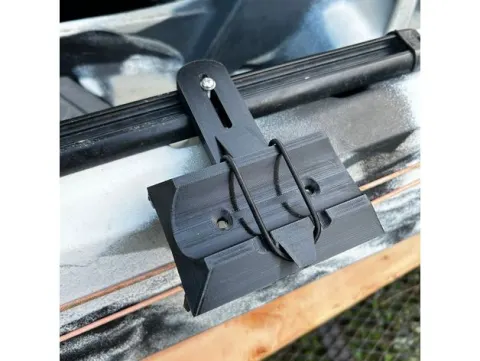
I own an Ender 6 and I have the Creality Box plus the camIn the end I found what I think it is a good spot position for the cam.The supplement is intended to raise it from the bed and provide certain perspective (angle).It fits perfect and the way to attach the supplement to the profile is by means of silicon glue with a hot gun.No need to add a lot. just two points so it will stay fixed.For slicing, please use brim and supports (2) and follow pictureI must admit that the cam should NOT be attached to the Z axis, as the cam would move with it... The wise thing is to locate it in a non movable area where it is always focusing the hotend, in the case of the Ender 6, BUT they on any where the head is attached to the Z Axis, that would be the right position.Be careful using it for ABS, let alone if the Ender 6 is completely covered... you can get temperatures of 60 degrees in the cabin that may harm the device.Any improvements will be appreciated
About this model
Carlos Moroder - cmoroder is a kostenlos 3D model in the Fahrzeuge category, shared by the Creality Cloud community. You can download it for 3D printing and reuse it in your own projects under the terms of its original license.
File formats
- STL — The most common mesh format for 3D printing — ready to slice and print on almost any printer.
The files for this model are hosted on Creality Cloud. Use the button above to open the original page and download it.
Ähnliche Modelle
 Kostenlos
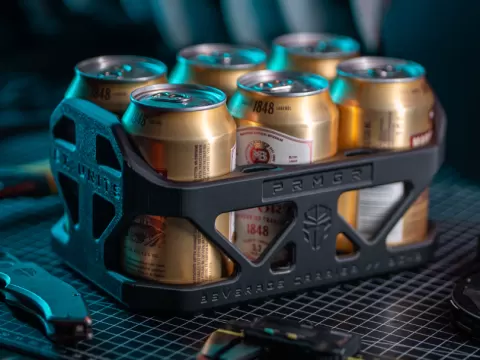
PRMGR BC-6 (Beverage Carrier 6)
 Kostenlos
Tap to Pay magic credit card wand - Star
 Kostenlos
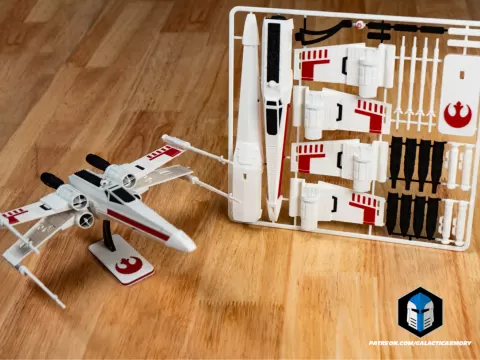
X-Wing Kit Card
 Kostenlos
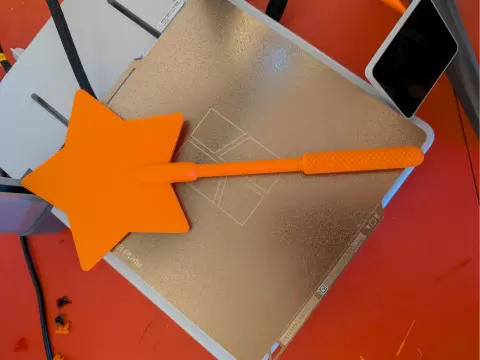
Magic credit card wand
 Kostenlos
Dummy 13 | V1 Kit Card
 Kostenlos
Tissue Paper Glider
 Kostenlos
Bambu Lab - Filament Poop Bin - X1C, P1S, P2S
 Kostenlos