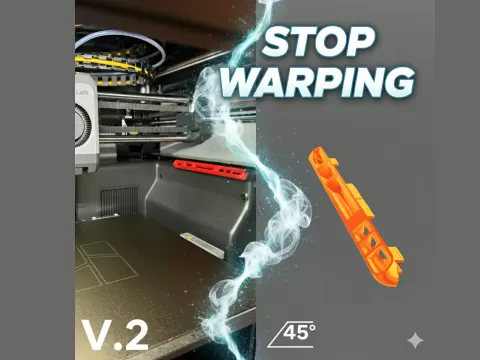
Label Roller for 3d printer
- 20 閲覧
このモデルは Cults3D で公開されています。ファイル・画像・ライセンス情報は元の作者に帰属します。
Cults3D で見る ↗説明
This 3d model will need the following to work properly: Print both top and bottom of the model You will need to add one small bolt, washer, nut. Add the bolt & washer to middle of the print, make sure it's long enough to pass through the bottom. Once the bolt is through the bottom add the nut to lock bolt in place. Attach and glue 4 (10x2mm) magnets to the top and put another 4 magnets with glue to the bottom. Handheld drill, attach the handheld drill to bolt so the model spins. Once labels start to print tape first label to roller. Once first label is attached to roller use drill to slowly spin.
About this model
Label Roller for 3d printer is a 無料 3D model in the その他 category, shared by the Cults3D community. You can download it for 3D printing and reuse it in your own projects under the terms of its original license.
File formats
- STL — The most common mesh format for 3D printing — ready to slice and print on almost any printer.
The files for this model are hosted on Cults3D. Use the button above to open the original page and download it.