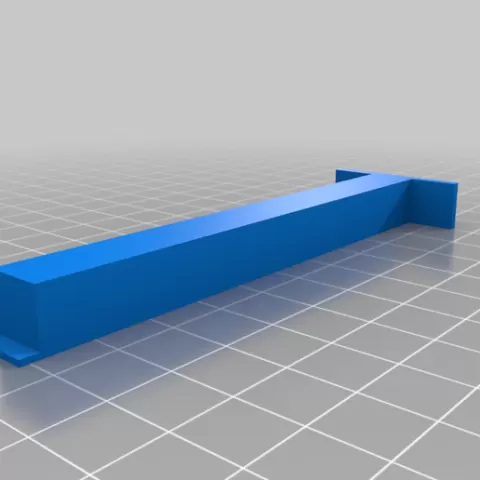
Creality Ender 3 S1 Pro - Tramming Tool
- 11 görüntülenme
Bu model Cults3D üzerinde barındırılıyor. Dosyalar, görseller ve lisans bilgileri tasarımcısına aittir.
Cults3D üzerinde görüntüle ↗Açıklama
Print two of these and call me in the morning :) Power off your printer and loosen the grub screws on your z axis belt up top so that both sides independently move on their lead screws. Place the tramming tools against the two Z axes extrusions and lower the X gantry down on to them. Turn each stepper until they are both equally snug / compressed between the X axis extrusion and the top of the S1 Pro base plate. Tighten down your grub screws and make sure they are sandwiched properly against their pulleys. Also ensure the tramming tools remain snugly sandwiched between the X axis extrusion and the top of the S1 Pro base plate. Power on your printer, Raise Z 10 mm, remove the tramming tools, and you're done. --- UPDATE --- A second tram tool has been added that allows you to tram to the TOP of the machine. The procedure is much the same, but you square to the top rather than the bottom. Enjoy!
Bu model hakkında
Creality Ender 3 S1 Pro - Tramming Tool, Cults3D topluluğunda paylaşılan ücretsiz bir Aletler 3D modelidir. 3D baskı için indirebilir ve orijinal lisans koşulları çerçevesinde kendi projelerinde kullanabilirsin.
Dosya formatları
- STL — 3D baskı için en yaygın mesh formatı — neredeyse her yazıcıda dilimlenip basılmaya hazır.
Bu modelin dosyaları Cults3D üzerinde barındırılır. Orijinal sayfayı açıp indirmek için yukarıdaki düğmeyi kullan.
Benzer modeller
 Ücretsiz
Customizable Text Stamp: Clay, Soap, Leather, Ink
 Ücretsiz
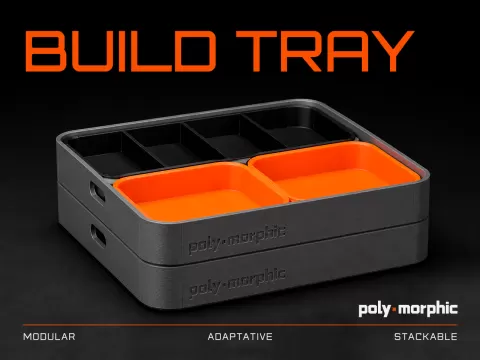
Build Tray — Modular Organizer for Assembly, Disassembly and Maintenance
 Ücretsiz
Window Stop • Eccentric Clamping • Parametric
 Ücretsiz
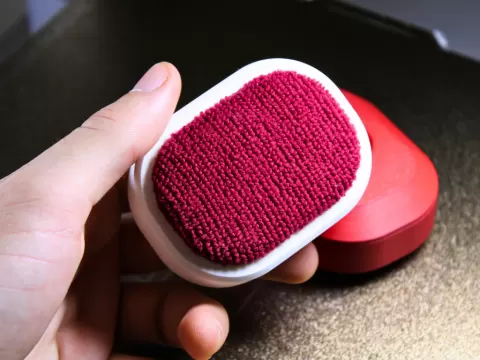
Buildplate Cleaner
 Ücretsiz
Build Tray - More Modules
 Ücretsiz
Bambu scraper handle V2
 Ücretsiz
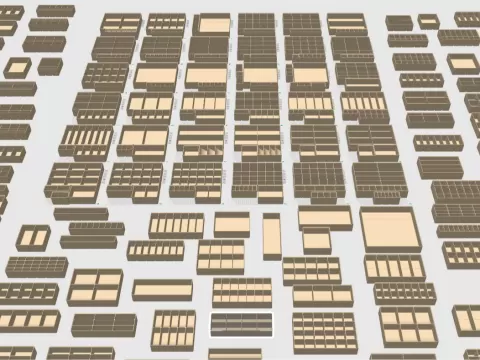
192 Piece Gridfinity Bin Set|42mm Base|49mm Height
 Ücretsiz